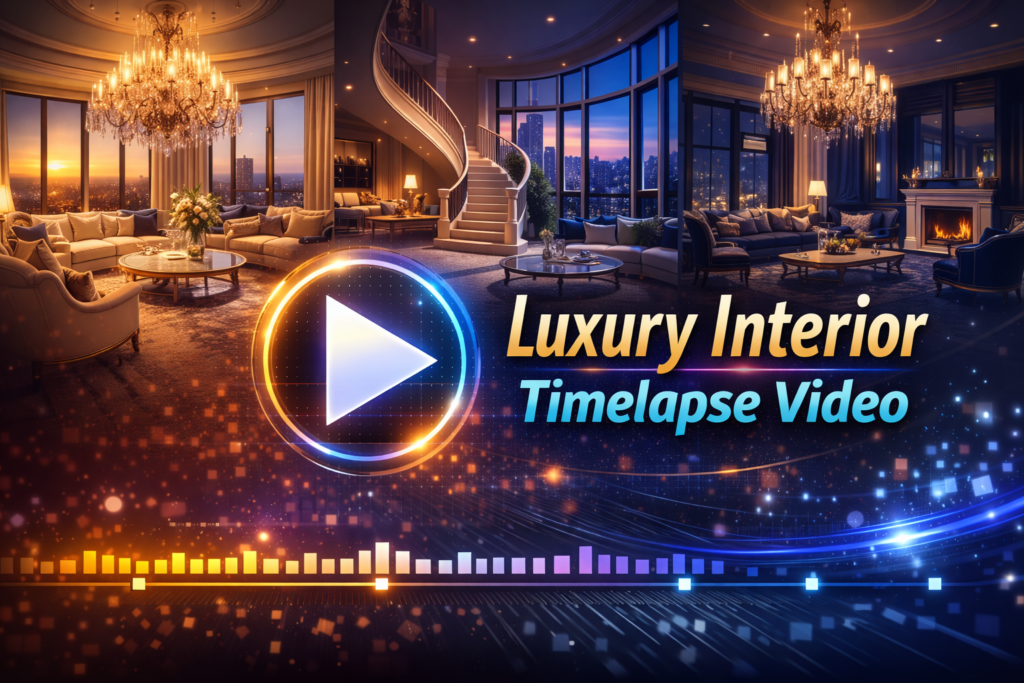
Creating a luxury interior timelapse video is one of the most effective ways to present premium spaces, high-end craftsmanship, and refined aesthetics in a visually powerful format. With the help of AI-powered tools, we can now produce professional-quality timelapse videos faster than ever—without complex manual editing or expensive production teams.
This fast tutorial explains a complete, practical workflow for producing a luxury interior timelapse video that highlights elegance, precision, and transformation, using modern AI tools and even a time lapse iPhone setup.
Why Luxury Interior Timelapse Videos Matter?
Luxury spaces are about detail, flow, and atmosphere. A well-crafted timelapse video compresses hours or days of work into a short, cinematic sequence that communicates quality instantly.
Luxury-focused timelapse videos are widely used by:
- Luxury interior designers to showcase design execution
- Real estate brands promoting luxury homes decor
- Architects and builders documenting premium projects
- Social media and website portfolios aiming for high engagement
AI enhances this process by automating stabilization, exposure correction, and visual consistency.
Step 1:
Before recording, define the visual story.
Key questions to resolve:
- Is the focus on styling, renovation, or full transformation?
- Which luxury elements must remain visible throughout the sequence?
- Will the final video be vertical (social media) or horizontal (website, presentation)?
Luxury timelapse videos work best when the camera captures symmetry, premium materials, and lighting transitions.
Step 2:
Using a Time Lapse iPhone
Modern smartphones are powerful enough for high-quality results.
Best practices:
- Use a tripod for absolute stability
- Enable the built-in time lapse iPhone mode or a professional timelapse app
- Lock exposure and white balance
- Keep the phone connected to power
This setup is ideal for quick projects and fast delivery.
Professional Camera Alternative
For long-duration projects, mirrorless or dedicated timelapse cameras offer greater control. However, AI editing now bridges much of the quality gap for mobile footage.
Step 3:
Lighting defines luxury.
To maintain a premium look:
- Use consistent artificial lighting
- Avoid turning lights on or off mid-shoot
- Keep window exposure controlled with curtains or blinds
- Use warm tones to enhance luxury homes decor
AI tools can correct minor lighting changes, but consistent lighting ensures superior results.
Step 4:
When recording:
- Do not move the camera
- Keep the space clean and organized
- Avoid blocking the lens during work
- Maintain consistent working patterns
Luxury timelapse videos benefit from clean movement and uncluttered visuals.
Step 5:
This is where AI dramatically speeds up production.
AI Stabilization
Automatically removes micro-shakes caused by floor vibration or movement.
AI Exposure & Color Matching
AI balances brightness and color across thousands of frames—essential for luxury interiors where color accuracy matters.
AI Frame Smoothing
Creates fluid motion and removes flicker without manual keyframing.
Popular AI-enhanced tools include:
- AI-assisted video editors
- Mobile apps with smart timelapse processing
- Desktop software with AI plugins
This step transforms raw footage into a polished timelapse video in minutes.
Step 6:
Luxury interiors are about details.
Use AI or manual editing to emphasize:
- Marble, wood, and metal finishes
- Custom furniture placement
- Lighting design transitions
- Final styling and décor placement
Short speed ramps can draw attention to key moments without disrupting flow.
Step 7:
A luxury timelapse video should feel refined.
Best practices:
- Use minimal, cinematic background music
- Avoid heavy transitions or flashy effects
- Add subtle logo animation at the end
- Keep typography clean and elegant
AI can automatically sync cuts to music beats for a seamless finish.
Step 8:
Export quality matters for perception.
Recommended settings:
- Resolution: 4K (or highest available)
- Frame rate: 24–30 fps
- Format: H.264 or H.265
- Aspect ratios:
- 16:9 for websites and YouTube
- 9:16 for Instagram and short-form platforms
Optimized exports ensure your timelapse video looks premium across all devices.
Common Mistakes to Avoid
- Inconsistent lighting
- Overusing AI effects
- Shaky camera placement
- Poor framing of luxury elements
- Exporting at low resolution
Luxury content demands restraint and precision.
Why AI Is Perfect for Luxury Interior Timelapse Videos?
AI delivers:
- Faster turnaround times
- Consistent visual quality
- Reduced manual editing
- Scalable production for multiple projects
This allows luxury interior designers to focus on creativity while AI handles technical refinement.
Final Thoughts
Creating a luxury interior timelapse video with AI is no longer complex or time-consuming. With proper planning, a stable setup—even using a time lapse iPhone—and AI-powered editing, we can produce elegant, high-impact visuals that elevate luxury interior branding.