








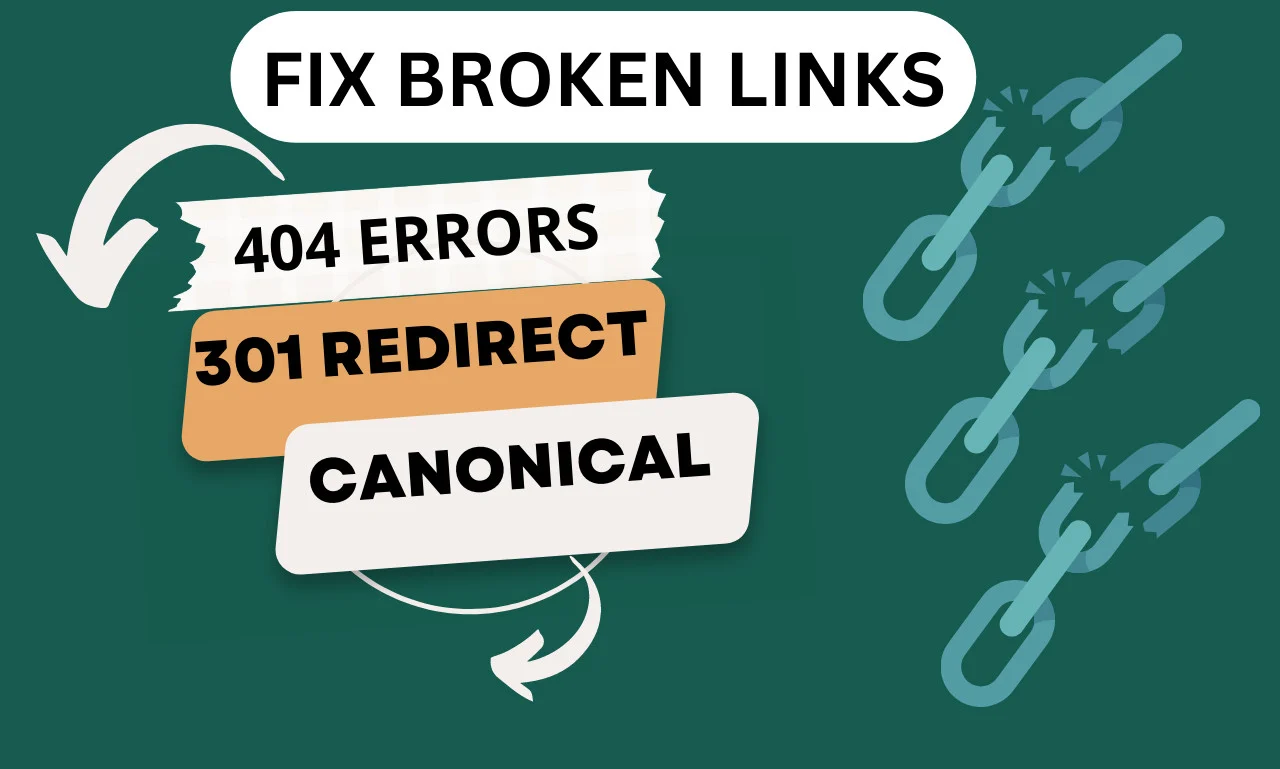
Broken links are more than just an annoyance—they can damage your website’s credibility, ruin the user experience, and hurt your SEO rankings. If you’re running a business website, fixing broken links is a critical task that should never be overlooked.
what broken links are, why they hurt your SEO, how to find them, and the best ways to fix them.
What Are Broken Links?
Broken links—also called dead links—are hyperlinks that point to pages that no longer exist or can’t be accessed. When users click these links, they land on a 404 error page or encounter a connection error.
Common Causes of Broken Links:
-
The linked page has been deleted or moved
-
Typo in the URL
-
The domain no longer exists
-
Incorrect linking structure
-
External websites have changed their URLs
Why Broken Links Are Bad for SEO
Search engines like Google aim to deliver the best user experience. When crawlers detect broken links on your site, they may assume your content is outdated or poorly maintained.
SEO Impacts of Broken Links:
-
Poor User Experience: Users get frustrated when they land on error pages.
-
Lower Search Rankings: Broken links affect your site’s crawlability and indexability.
-
Wasted Link Equity: Inbound link value is lost if it points to a non-functioning page.
-
Increased Bounce Rate: Users might leave your site quickly if they encounter broken pages.
How to Find Broken Links
Before you can fix broken links, you need to identify them. Here are some effective tools and methods to help:
1. Google Search Console
-
Use the “Coverage” or “Crawl Errors” section to find URLs returning 404 errors.
2. Broken Link Checker Tools
-
Screaming Frog SEO Spider (free up to 500 pages)
-
Ahrefs Broken Link Checker
-
SEMrush Site Audit Tool
-
Dead Link Checker
-
W3C Link Checker
3. Manual Checks
-
Occasionally review your key pages manually, especially if you recently updated or removed content.
How to Fix Broken Links
Once you’ve identified the broken links, here are the steps to fix them:
1. Update the Link
If the linked page still exists under a new URL, simply update the hyperlink with the correct address.
2. Redirect the Link
If the original page was deleted:
-
Use a 301 redirect to guide users to a relevant replacement page.
-
Avoid redirecting all broken links to your homepage—this can confuse users and search engines.
3. Remove the Link
If there’s no suitable replacement and the link adds no value, it’s best to remove it altogether.
4. Fix Typos
Sometimes, a broken link is caused by a simple typo in the URL. Double-check the link structure and correct any spelling errors.
5. Reach Out to External Sites
If an external site is linking to a broken page on your site, contact the site owner and ask them to update their link.
Best Practices to Prevent Broken Links
-
Regularly audit your website using SEO tools.
-
Create custom 404 pages to help users navigate your site even if they hit a dead end.
-
Avoid changing URLs frequently, especially for evergreen content.
-
Use plugins like Broken Link Checker (for WordPress) for automatic monitoring.
Final Thoughts
Fixing broken links might seem like a small technical task, but it plays a major role in improving your website’s SEO, enhancing user experience, and maintaining your brand’s reputation online. Regularly auditing your site and addressing broken links promptly can help keep your website in top shape and more visible in search engine rankings.
Need help with technical SEO or fixing your website’s broken links? Contact an SEO expert today to keep your site error-free and ranking strong.