







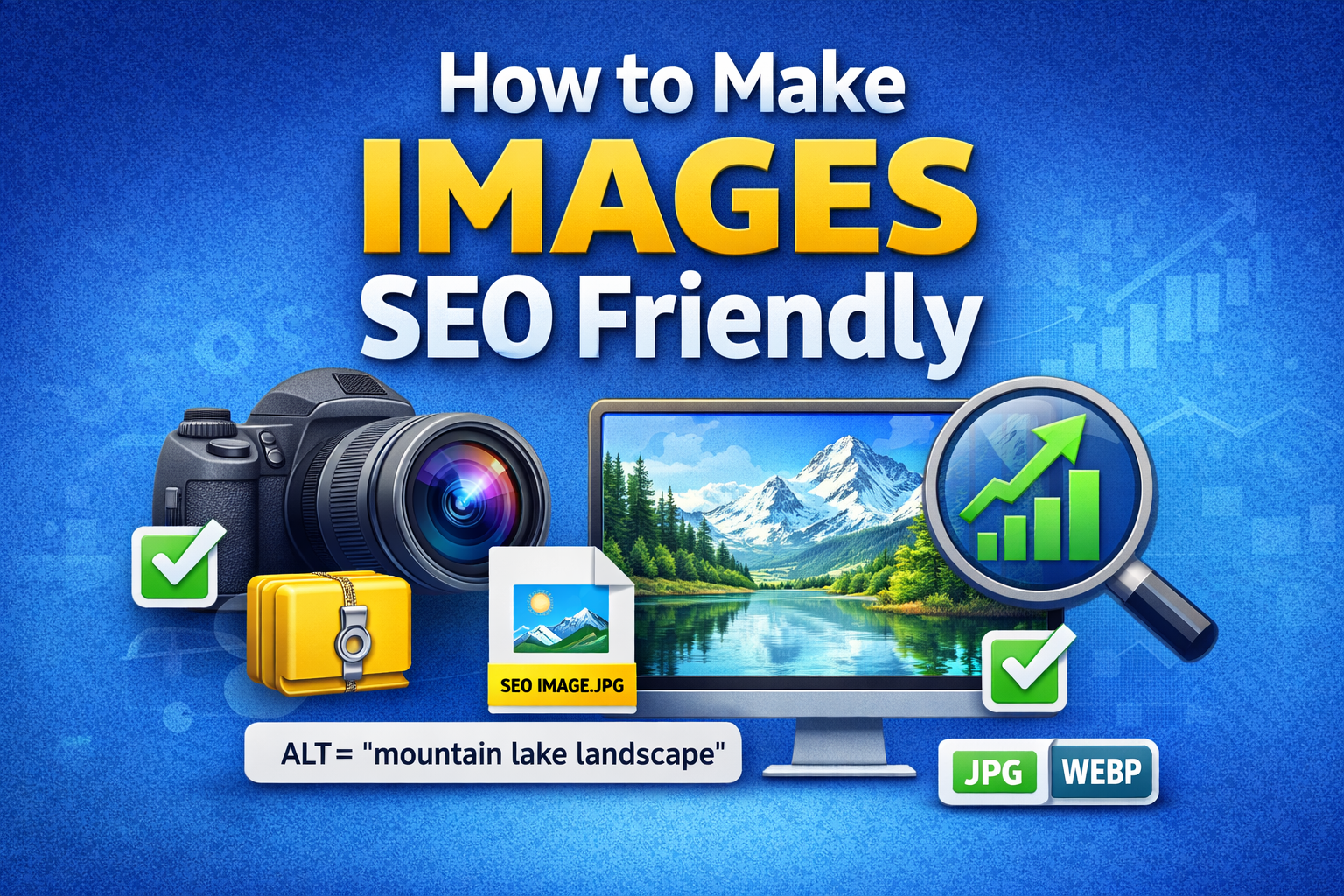
If you’re creating blog posts, ecommerce pages, or landing pages, images are not just decoration. They can drive traffic from Google Images, improve rankings, and boost user experience. The problem? Most people upload images without optimizing them. That’s like publishing a book without a title.
So, how do you make images SEO friendly? Let’s break it down in a simple, practical way.
1. Use the Right Image File Name
Before you even upload an image, rename it.
Instead of:
Use:
Search engines read file names. A descriptive name helps Google understand what the image is about. Use lowercase letters and hyphens between words. Avoid underscores and random numbers.
Think of your file name as the first clue you’re giving Google.
2. Write Descriptive ALT Text
Alt text (alternative text) is one of the most important parts of image SEO.
It:
-
Helps search engines understand the image
-
Improves accessibility for visually impaired users
-
Appears if the image fails to load
Good example:
alt=”SEO cost breakdown chart for small business owners”
Bad example:
alt=”image1″
Keep it descriptive, natural, and relevant to the page content. Don’t stuff keywords. Write it like you’re explaining the image to someone over the phone.
3. Compress Images for Faster Loading
Page speed is a ranking factor. Large images slow down your site, and slow sites lose traffic.
Before uploading:
-
Compress images using tools like TinyPNG or ImageOptim
-
Aim for under 150KB when possible
-
Use modern formats like WebP
Faster images = better user experience = stronger SEO performance.
4. Choose the Right File Format
Different image formats serve different purposes:
-
JPEG – Best for photographs
-
PNG – Best for graphics with transparency
-
WebP – Best for speed and compression
-
SVG – Best for logos and icons
Using the wrong format can increase file size and reduce quality.
5. Use Responsive Images
Your images must look good on mobile, tablet, and desktop.
Use:
-
Responsive design
-
Proper scaling
-
CSS max-width settings
-
Modern CMS features like srcset
Google prioritizes mobile-first indexing. If your images break on mobile, your rankings can suffer.
6. Add Image Titles (Optional but Helpful)
The image title isn’t as powerful as alt text, but it adds context.
Keep it short and relevant:
“Small Business SEO Cost Chart”
It can improve user experience when someone hovers over the image.
7. Surround Images with Relevant Text
Google reads the content around your image to understand it better.
If your article discusses “SEO cost for small business,” and your image is placed under that section, Google connects the context.
Never place random images without relevant surrounding text.
8. Use Structured Data When Needed
For ecommerce websites, recipes, or products, use schema markup.
This helps your images appear in:
-
Rich snippets
-
Google Shopping
-
Product carousels
Structured data gives search engines extra context.
9. Create an Image Sitemap
If your site has many images (like ecommerce stores), an image sitemap helps search engines discover them.
This is especially important if:
-
Images load via JavaScript
-
Images are not easily crawlable
Most SEO plugins automatically generate this.
10. Optimize for Google Image Search
Google Images can drive serious traffic if optimized correctly.
To rank in Google Images:
-
Use descriptive file names
-
Add strong alt text
-
Compress images
-
Use high-quality visuals
-
Add captions when helpful
-
Build backlinks to the page containing the image
Images don’t rank alone. The page authority matters too.
11. Use Original Images Whenever Possible
Stock images are fine, but original images are better.
Why?
-
They are unique
-
They increase engagement
-
They reduce duplication
-
They improve brand identity
Google prefers helpful, original content — and that includes visuals.
12. Add Captions Strategically
Captions are often read more than body text.
If relevant, add a caption that:
-
Describes the image
-
Adds context
-
Includes a natural keyword
But don’t force it. Only use captions when they add value.
13. Enable Lazy Loading
Lazy loading means images load only when users scroll down to them.
Benefits:
-
Faster initial page load
-
Better Core Web Vitals
-
Improved user experience
Most modern CMS platforms support lazy loading by default.
14. Avoid Text-Heavy Images
Search engines cannot read text inside images (unless using advanced AI, but still limited).
If important content is inside an image:
-
Also include it in regular text on the page
Never rely solely on image text for SEO.
15. Check Core Web Vitals
Large or poorly optimized images often hurt:
-
Largest Contentful Paint (LCP)
-
Page speed
-
Mobile usability
Use Google PageSpeed Insights to test your image impact.
Quick Image SEO Checklist
Before publishing, ask yourself:
-
Is the file name descriptive?
-
Is the alt text clear and natural?
-
Is the image compressed?
-
Is it mobile-friendly?
-
Is it relevant to the content?
-
Is the format correct?
If you answered yes to all, your image is SEO friendly.
Why Image SEO Matters More Than Ever?
Visual search is growing. People search through Google Images, Pinterest, and even AI tools. If your images are optimized, you tap into an additional traffic source many businesses ignore.
Think of it this way:
Your content speaks to readers.
Your images speak to search engines.
When both work together, your rankings improve.
Final Thoughts
Making images SEO friendly isn’t complicated. It’s about being intentional. Rename the file. Add proper alt text. Compress it. Make it responsive. Keep it relevant.
These small steps can make a big difference in rankings, traffic, and user experience.
If you’re serious about SEO, don’t ignore your images. They’re not just visuals — they’re hidden ranking opportunities.